Product Description
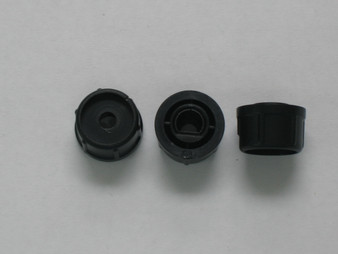
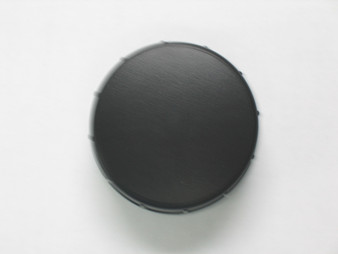
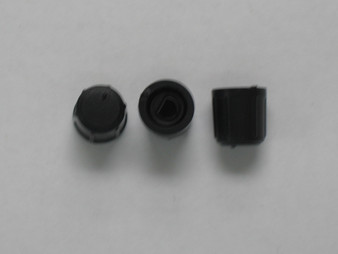
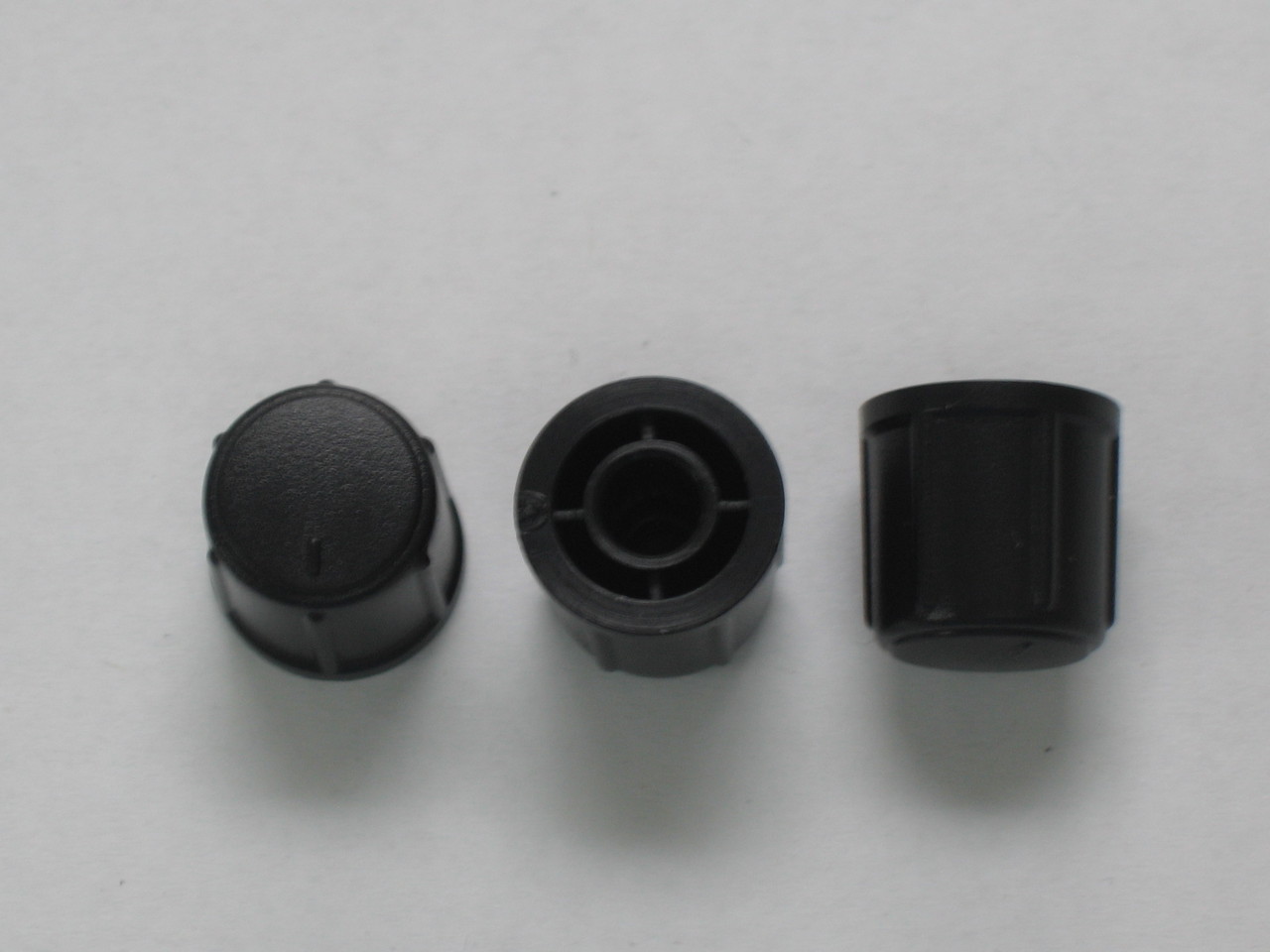
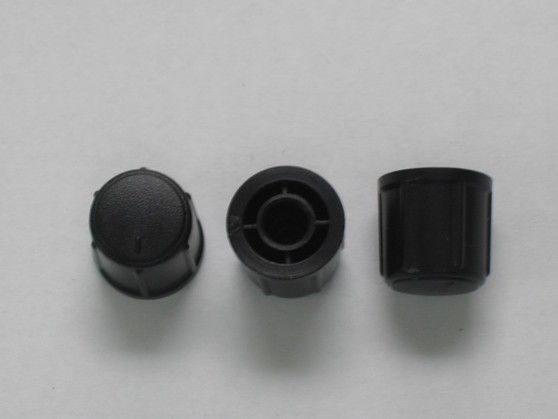
PT2537040A Medium Rotary Control Knob KN19 (Galaxy DX2547 Base Station OEM)
Restore smooth rotary operation, precise potentiometer adjustment, and original factory aesthetics to your base station console with this genuine OEM-spec Medium Single Rotary Control Knob. Sourced under Galaxy factory part number PT2537040A (KN19 series designation), this heavy-duty molded control knob is the exact factory service replacement engineered specifically for front-panel single control potentiometer and rotary switch shafts across the Galaxy DX2547 base station transceiver platform.
Product Specifications & Technical Data
- Galaxy Factory Part Number: PT2537040A
- Series / Designator: KN19 Medium Single Rotary Control Knob Series
- Component Function: Front-Panel Single Rotary Potentiometer / Switch Control Knob (Volume, Squelch, RF Gain, Mic Gain, Clarifier, or Tone controls)
- Material & Finish: Molded ABS Plastic with High-Luster OEM Chrome Plating & Ribbed Tactile Grip
- Mounting Configuration: Precision D-Shaft / Round-Shaft Press-Fit Socket with Internal Metallic Tension Spring
- Quality Standard: 100% Factory Original Equipment Manufacturer (OEM) service replacement component
- Compatible Radio Models:
- Galaxy DX2547 Base Station Transceiver
- Galaxy DX2527 Base Station Transceiver (select production runs utilizing KN19 medium control knobs)
- Select Ranger or custom base platforms sharing the DX2547 front panel potentiometer layout
Bench Installation & Tech Notes
- Replaces missing, cracked, stripped D-stem sockets, or heavily worn/tarnished control knobs resulting from extended use, thermal exposure, or bench modifications.
- BENCH INSTALLATION PROCEDURE:
- Inspect the target metal potentiometer shaft for old clip fragments or adhesive residue; clean thoroughly with isopropyl alcohol and a soft swab.
- Verify that the internal metal tension D-spring is securely seated inside the knob socket.
- Align the flat face of the knob's internal socket with the flat section of the potentiometer shaft.
- Press the knob straight back firmly by hand until it seats flush against the front bezel faceplate, ensuring smooth 360-degree rotation without rubbing or binding against adjacent controls.