


Product Description
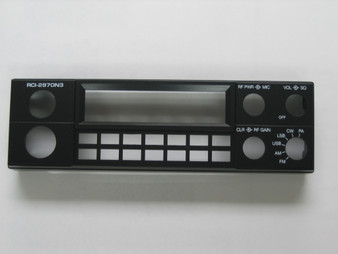
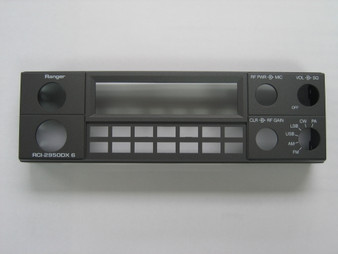
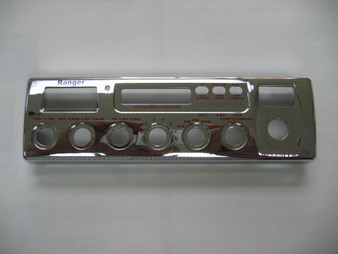
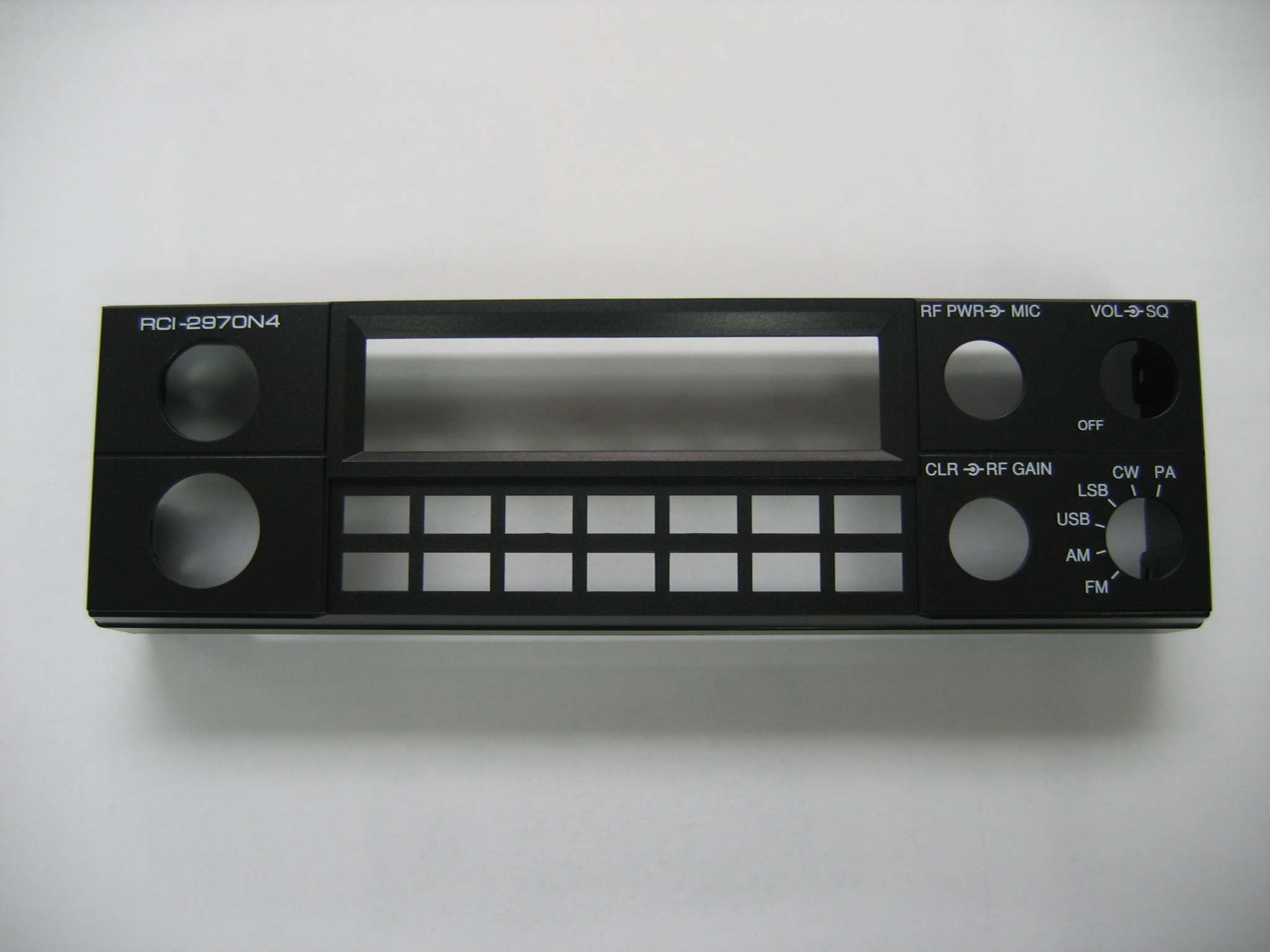
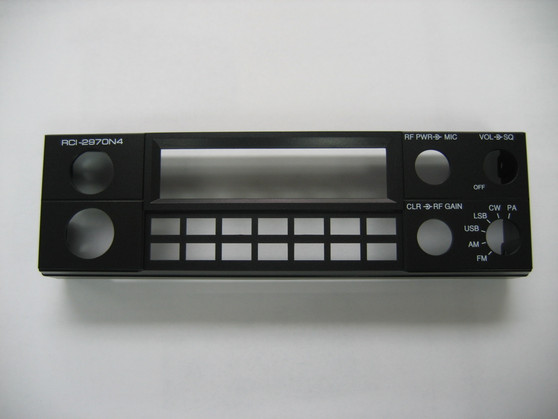
Ranger RCI-2970N4 Front Faceplate Overlay (Part # MT2970030C)
Restore clean control lettering, crisp button legends, and factory front-panel aesthetics to your high-power 10/12-meter mobile transceiver with this genuine OEM Ranger RCI-2970N4 Front Faceplate Overlay (Factory Part Number MT2970030C). Precision silk-screened for the high-power dual-final microprocessor layout of the RCI-2970N4 chassis, this replacement graphic panel eliminates faded legends, scratches, and chemical wear around your display, buttons, and control pots.
⚠️ PRE-INSTALLATION & PROTECTIVE FILM NOTICE
Peel off the clear protective shipping film from the faceplate surface prior to final mounting to ensure crystal-clear window viewing and a flawless finish.
Product Specifications & Technical Data
- Manufacturer / Brand: Ranger / RCI (Factory OEM Service Replacement Part)
- Factory Part Number / SKU: MT2970030C
- Component Designation: Front Control Panel Graphic Faceplate Overlay
- Included Openings: Precision Cutouts for LCD Display Window, Tactile Keypad, Rotary Potentiometers, and Function Switches
- Mounting & Fitment: Direct Factory Overlay Replacement for Ranger RCI-2970N4 sub-panel layouts
- Quality Standard: 100% Genuine Factory Original Equipment Manufacturer (OEM) Service Component
- Compatible Radio Models:
- Ranger / RCI Mobile Transceivers: Ranger RCI-2970N4 (High-Power 10/12-Meter AM/FM/SSB/CW Transceiver)
Associated RCI-2970N4 Restoration Parts Available
To ensure a complete, professional rebuild, the following matching factory sub-components and repair parts are also utilized for this chassis series:
- LCD Display Window: Part # PT2950090A
- Keypad Reflector Plate: Part # PT2950031A
- Rubber Tactile Keypad: Part # QT2950010A
Installation & Bench Notes
- Diagnoses & Solves: Faded or rubbed-off front panel nomenclature, chemical-damaged lettering around high-wear controls, scratched display windows, and worn tactile interface aesthetics.
- BENCH INSTALLATION PROCEDURE:
- Disconnect the 12V DC power cord and antenna coaxial cable from the transceiver chassis.
- Carefully remove all front control knobs, nut hardware, and disassemble the front sub-panel housing to access the old faceplate overlay.
- Gently separate the old faceplate overlay from the metal/plastic sub-frame adhesive backing, taking care not to damage internal display ribbons or tactile switch contacts.
- Clean the front mounting surface thoroughly with isopropyl alcohol to remove old adhesive residue, oil, and dust. Inspect your LCD window (PT2950090A), keypad reflector plate (PT2950031A), and rubber keypad (QT2950010A), replacing them if worn, hazy, or stiff.
- Peel off the clear protective film from the front of the new MT2970030C faceplate. Align all display, button, and shaft cutouts precisely, then press the new faceplate firmly onto the adhesive mounting surface.
- Reassemble the front sub-panel housing, tighten all hardware gently by hand, reinstall control knobs, and verify proper button travel, tactile click response, and display alignment before powering on.