


Product Description
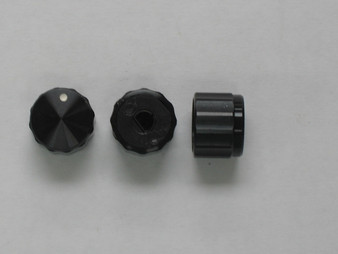
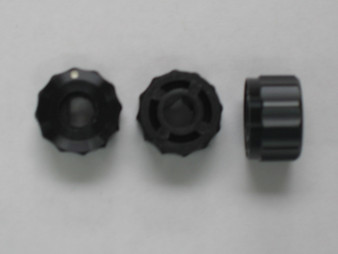
MT0SSB161B / MT0SSB161BR Base Station Single Rotary Control Knob KN7 Black (Galaxy DX2517 / DX2527 OEM)
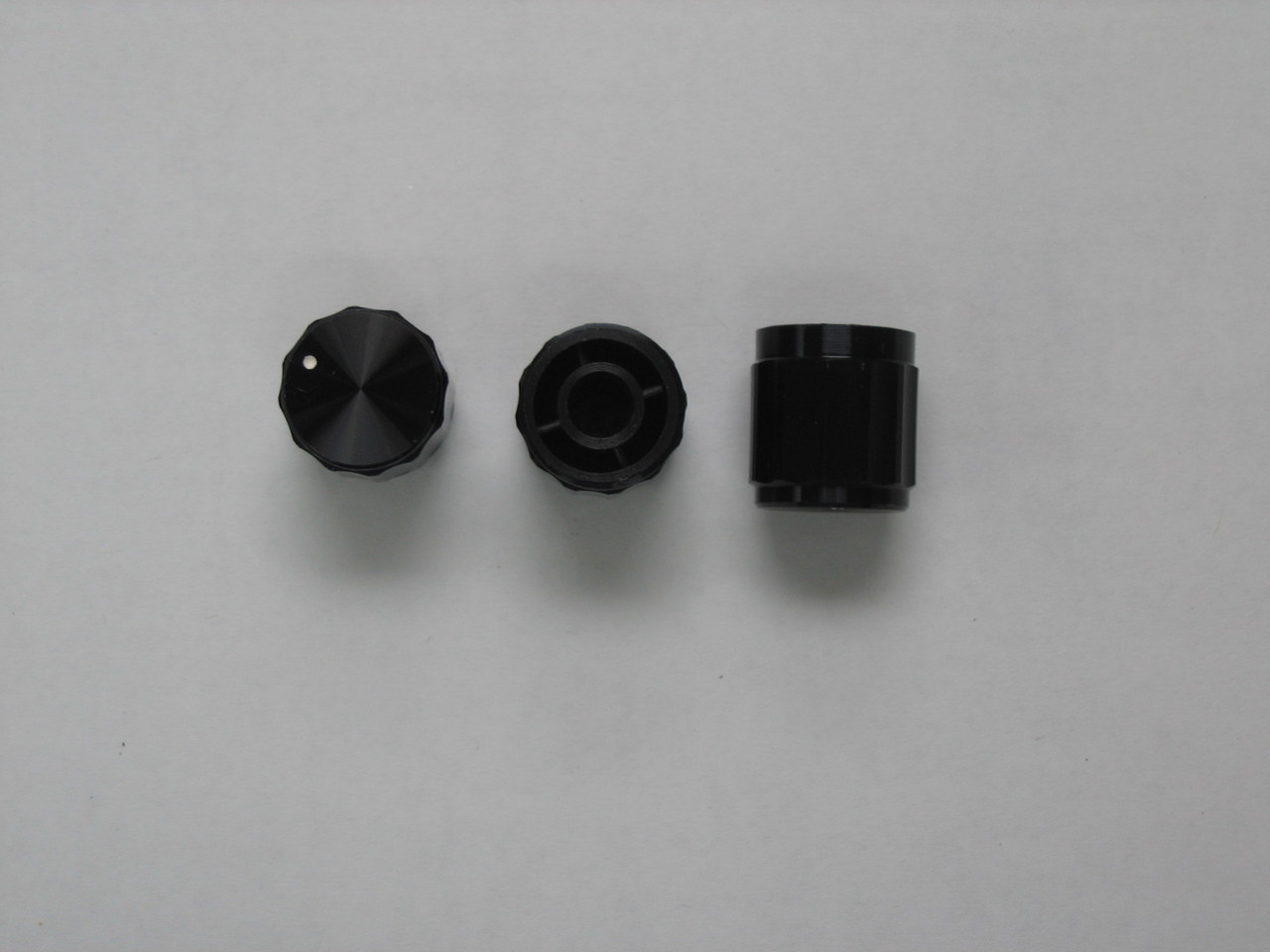
Restore precise tactile tuning, smooth potentiometer control, and original factory appearance to your base station console with this genuine OEM-spec Base Station Single Rotary Control Knob. Cross-referenced under factory part numbers MT0SSB161B and MT0SSB161BR (KN7 series designation with black finish), this heavy-duty molded knob is the exact factory service replacement engineered specifically for front-panel single control potentiometer or rotary switch shafts across Galaxy base station transceivers.
Product Specifications & Technical Data
- Factory Part Numbers: MT0SSB161B (Primary Part) / MT0SSB161BR (Alternate Factory Revision / Batch)
- Series / Designator: KN7 Base Station Control Knob Series
- Component Function: Front-Panel Single Rotary Control Knob (Volume, Squelch, RF Gain, Mic Gain, or Clarifier)
- Color & Finish: Textured Black Body with Factory Chrome Face Accents
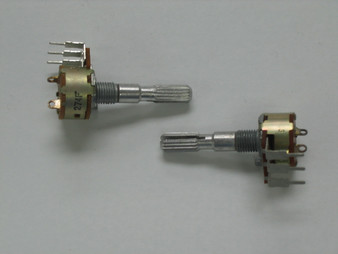
- Mounting Configuration: Precision D-Shaft / Round-Shaft Insert with Brass Set-Screw or Press-Fit Retaining Socket
- Quality Standard: 100% Factory Original Equipment Manufacturer (OEM) service replacement component
- Compatible Radio Models:
- Galaxy DX2517 Base Station Transceiver
- Galaxy DX2527 Base Station Transceiver
- Select Galaxy and Ranger base station chassis utilizing KN7 series single black rotary control shafts
Bench Installation & Tech Notes
- Replaces missing, cracked, stripped D-stem sockets, or heavily worn/scratched control knobs caused by age, heavy bench operation, or accidental mechanical impact.
- BENCH INSTALLATION PROCEDURE:
- Inspect the original control knob sleeve for a locking set-screw. If equipped, loosen it using the correct hex key or precision screwdriver before attempting removal.
- Gently pull the old knob straight off the front-panel shaft using non-marring trim tools or a soft cloth wrap to protect surrounding bezel faceplate lettering.
- Clean any dust, grease, or residue off the metal potentiometer shaft using isopropyl alcohol.
- Align the internal flat/keyed socket of the MT0SSB161B/MT0SSB161BR knob with the control shaft and push straight back firmly until flush with the front bezel dress washer (ensuring smooth rotation without binding against the faceplate). Tighten set-screw if applicable.