Product Description
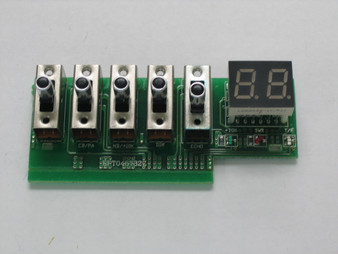
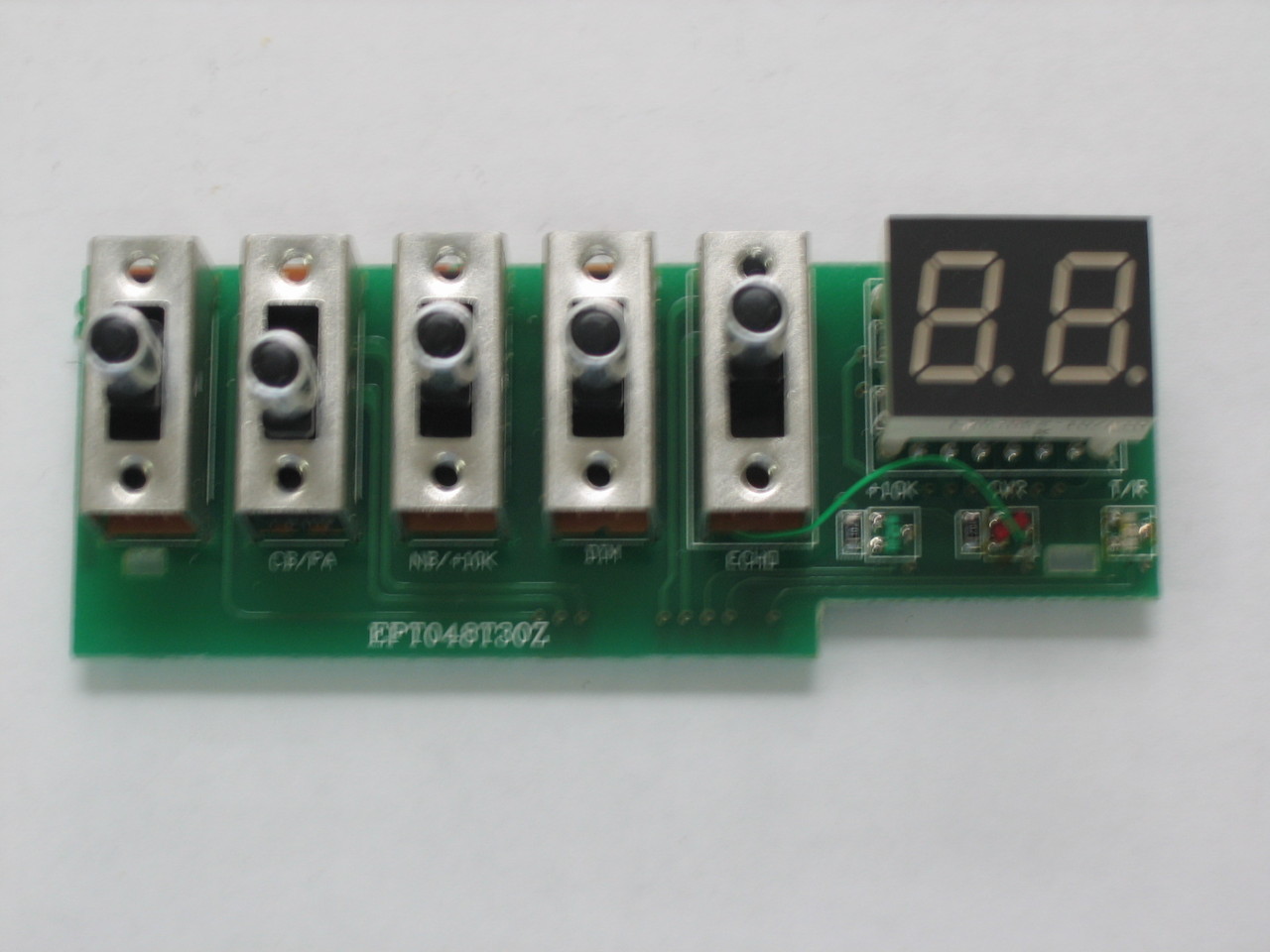
Galaxy DX-48T Channel LED Display Board with Switches (Board # EPT048T30Z)
Restore bright, crisp dual-digit channel readouts and reliable front-panel switch actuation to your high-power mobile transceiver with this genuine OEM Galaxy DX-48T Channel LED Display Board with Switches (Circuit Board Number EPT048T30Z). Engineered specifically for the Galaxy DX-48T chassis architecture, this complete front sub-panel sub-assembly integrates the 2-digit 7-segment channel LED readout and front-panel function push switches to resolve missing LED segments, dead channel readouts, and stuck or intermittent front switches without tedious board-level desoldering.
⚠️ PIN ALIGNMENT, BEZEL FITMENT, ESD & NO-RETURN POLICY WARNINGS
• Header Pin & Harness Verification: Carefully inspect all multi-pin connectors and wire harness plugs before installation to ensure pins are straight and properly aligned. Match every connector against your original EPT048T30Z board before applying power.
• Front Bezel & Switch Alignment: Ensure the LED window sits flush behind the front faceplate lens and all push-button actuators move freely through the bezel cutouts before tightening the mounting screws.
• No-Return Policy Notice: Due to static-sensitive LED driver components, tactile switches, and soldered multi-pin harness connections involved, electronic display sub-assembly boards are strictly non-returnable once installed, soldered, or powered up.
Product Specifications & Technical Data
- Manufacturer / Brand: Galaxy / Ranger (Factory OEM Service Replacement Part)
- PCB Board Number / Silkscreen: EPT048T30Z
- Component Designation: Front Panel 2-Digit Channel LED Display & Tactile Switch Control PCB Assembly
- Function: Displays active operating channel (1–40) via 7-segment LED readout and provides front-panel push-button switch control
- Mounting & Fitment: Direct Factory Front Sub-Panel Replacement for Galaxy DX-48T High-Power Mobile Transceivers
- Quality Standard: 100% Genuine Factory Original Equipment Manufacturer (OEM) Electronic Component
- Compatible Radio Models:
- Galaxy High-Power Mobile Transceivers: Galaxy DX-48T (and compatible DX-45HP / DX-48T series chassis specifying EPT048T30Z display modules)
Installation & Bench Notes
- Diagnoses & Solves: Missing or dim 7-segment channel LED digits, completely dark channel display, stuck or unresponsive front-panel push switches, and damaged display PCB traces.
- BENCH INSTALLATION PROCEDURE:
- Disconnect the 13.8V DC power cord and antenna coaxial cable from the transceiver chassis. Remove the top and bottom cabinet covers to access the front bezel and sub-panel assembly.
- Pull off the rotary control knobs and remove the retaining screws securing the front faceplate/bezel assembly to the main chassis.
- Photograph and label all incoming multi-pin wire harnesses and ground leads attached to the existing EPT048T30Z board before unplugging or desoldering.
- Unscrew the mounting hardware securing the faulty channel LED board and lift it clear of the front sub-panel standoffs.
- Position the new EPT048T30Z board squarely onto the front panel standoffs and secure the mounting screws gently by hand.
- Reconnect all harnesses strictly according to your reference photos, ensuring connectors seat fully without bending pins. Apply power on the bench, verify bright, complete LED segments across channels 1–40 and positive click actuation on every push switch, then reinstall the front bezel, knobs, and cabinet covers.